

Blog
SPI Displays Are Not Video Streams: Understanding Command Mode LCDs

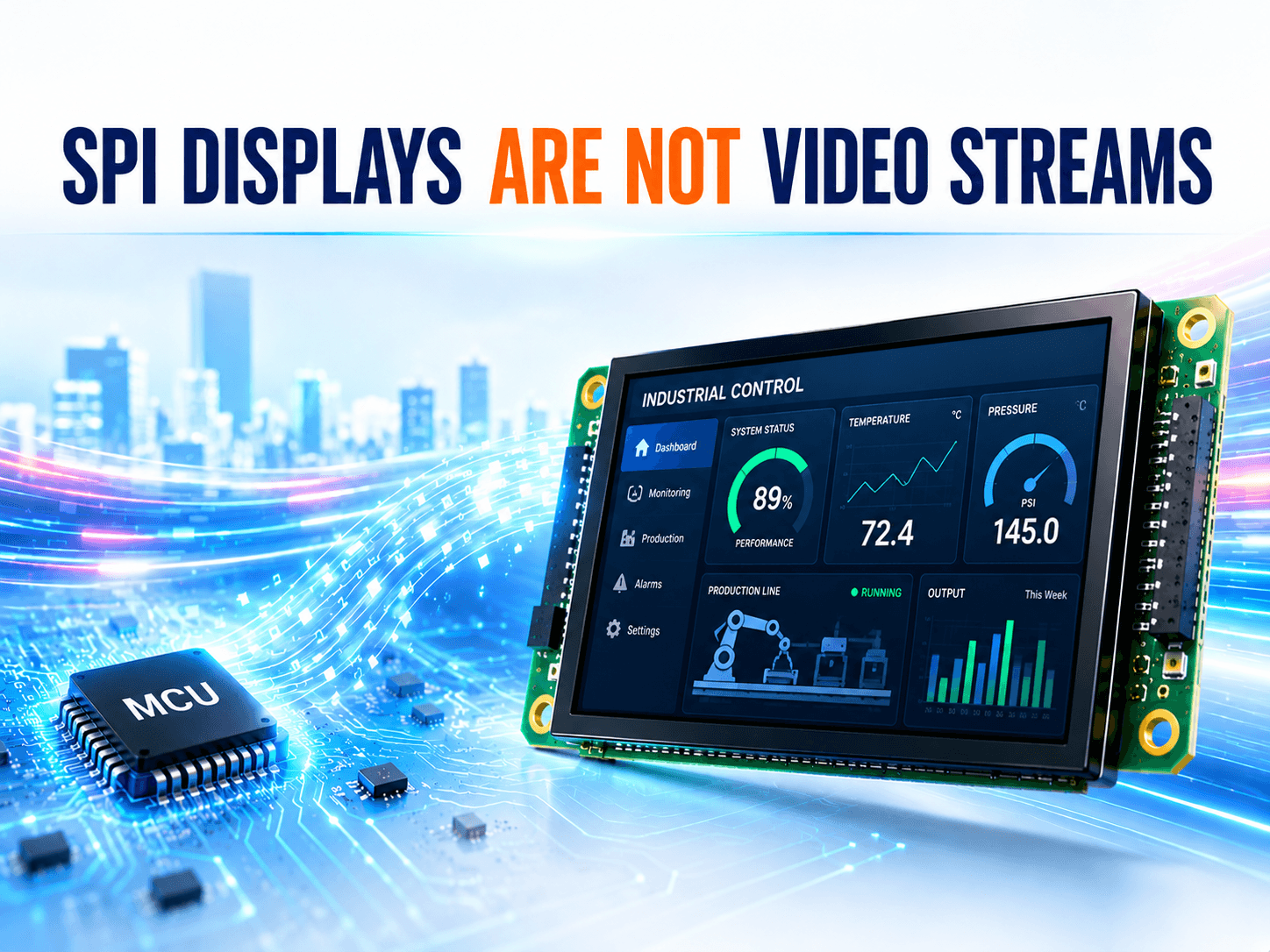
SPI Command Mode LCDs: The Day I Realized Most “SPI Displays” Aren’t Really Streaming Video
When I first started working with embedded displays, I always believed I was using a “pure SPI display.” The MCU continuously sent data through SPI, the screen updated in real time, and from the outside it looked exactly like video streaming. But after digging deeper into how LCD controllers actually work, I realized something important:
Most so-called “SPI displays” are not true streaming displays at all. They are actually Command Mode Displays with internal memory.
And honestly, that realization completely changed how I think about embedded display systems.
What Is an SPI Command Mode Display?
An SPI Command Mode LCD is a display where the MCU sends commands and image data through SPI, while the display controller itself handles the actual screen refreshing.
The key reason is simple:
The display driver IC contains internal frame memory, usually called GRAM (Graphics RAM). Once image data is written into GRAM, the display controller continuously refreshes the panel automatically. The MCU only updates the content when something changes.
In other words:
- MCU updates the image
- The display handles the refreshing
The MCU does not continuously “feed” the display.
Why These Displays Are So Popular
SPI command displays are extremely common in embedded systems because they simplify both hardware and software design. They offer several major advantages:
Lower Pin Count
SPI interfaces typically require only a few signals:
- MOSI
- MISO
- SCK
- CS
- DC
Compared to RGB interfaces, routing is much simpler and connectors can be much smaller.
Lower EMI
SPI uses serial communication with relatively low bandwidth compared to parallel video interfaces. That usually means:
- Lower EMI
- Easier EMC design
- Better suitability for industrial and medical products
Partial Refresh Support
This is one of the biggest advantages. Instead of refreshing the entire screen, the MCU can update only the region that changes.
For example:
- Updating the whole screen may require over 100 KB of data
- Updating only several digits may require just a few KB
That significantly reduces bandwidth and power consumption.
Real-World Embedded Products
Many modern embedded display modules are built around command-mode display architectures with internal GRAM.
For example, our P Series SPI display modules use SPI command interfaces together with onboard display controllers, making them suitable for industrial HMIs, medical devices, handheld devices, and other embedded systems where low EMI and partial refresh are important.
Some products simplify the architecture even further. Our AGN/AGU UART display modules allow the host MCU to communicate through high-level UART commands, while the display module internally handles rendering, framebuffer management, and screen refreshing. This significantly reduces MCU workload and simplifies embedded software development.
We also provide ACN series MCU-interface display modules, which are designed for embedded systems requiring direct MCU communication together with command-based display control architectures.
In many cases, developers are not directly driving LCD pixels at all. They are simply updating display content while the display controller manages the actual refresh process internally.
Why SPI Feels Like Video Streaming
This misunderstanding is actually very common. I had it myself for years. And honestly, it makes perfect sense.
-
SPI Looks Continuous
SPI can transfer data very quickly.
In many projects, we continuously send image data through SPI, sometimes even refreshing the full screen repeatedly.
Visually, it feels exactly like streaming video.
-
The Name “SPI Display” Is Misleading
People constantly say things like:
- SPI LCD
- SPI display
- SPI screen
The focus is always on the communication interface, not the display architecture itself. So naturally, many engineers unconsciously assume: SPI = directly driving pixels in real time; But actually: SPI is only the transport method.
The display mode is a completely separate concept.
-
Driver Libraries Hide the Commands
In application code, we often write something simple like:
LCD_DrawImage(…);
But underneath that function, the driver is actually:
- Setting display windows
- Configuring GRAM addresses
- Sending commands
- Starting memory writes
All of this is heavily abstracted away.
So over time, it feels like:
“I’m just continuously sending image data.”
Even though the display is actually operating in command mode the entire time.
-
We Are Updating Memory, Not Driving Pixels
This was the biggest mental shift for me.
Most SPI displays internally store image data inside GRAM.
What we are really doing is:
Writing image data into the display’s internal framebuffer. The display controller then takes care of refreshing the panel itself. That is fundamentally different from true video streaming.
And because this process is mostly invisible to developers:
- We never see the refresh timing
- We do not manage line scanning
- The image remains even after SPI stops
It creates the illusion that we are directly driving the panel. But we are not. We are simply updating what the display should show.
Command Mode vs Video Mode
The core difference is actually very simple.
| Command Mode | Video Mode |
| Internal GRAM exists | Little or no framebuffer |
| Display refreshes automatically | Continuous pixel stream required |
| MCU updates when needed | MCU continuously outputs frames |
| Partial refresh supported | Usually full-frame streaming |
| Image remains after communication stops | Display stops without input |
Typical command-mode interfaces:
- SPI
- MCU/8080 interfaces
Typical video-mode interfaces:
- RGB Parallel
- LVDS
- MIPI DSI Video Mode
The Most Important Realization
Eventually I realized something very important:
I was never truly driving pixels in real time.
I was only updating what the display should show.
The display itself was handling the refreshing all along.
And once I understood that:
- Bandwidth calculations made more sense
- Partial refresh became intuitive
- EMI behavior became easier to understand
- MCU optimization became much clearer
Many embedded display design decisions suddenly stopped feeling mysterious.
Final Thoughts
Looking back, this misunderstanding is incredibly common because several factors combine together:
- SPI visually resembles streaming
- Full-screen refreshes imitate video behavior
- Driver libraries hide the commands
- Internal GRAM is invisible to developers
- “SPI display” terminology is misleading
So, it becomes very natural to assume:
“SPI displays are continuously streamed displays.” But in reality, most of them are better understood as: A display terminal with built-in memory.
And honestly, once you realize that difference, you start thinking about embedded displays in a completely different way.
If you have questions or would like to explore your next design, please contact our engineering.
