

Blog
The Mini-PC: Small Footprint, Serious Versatility

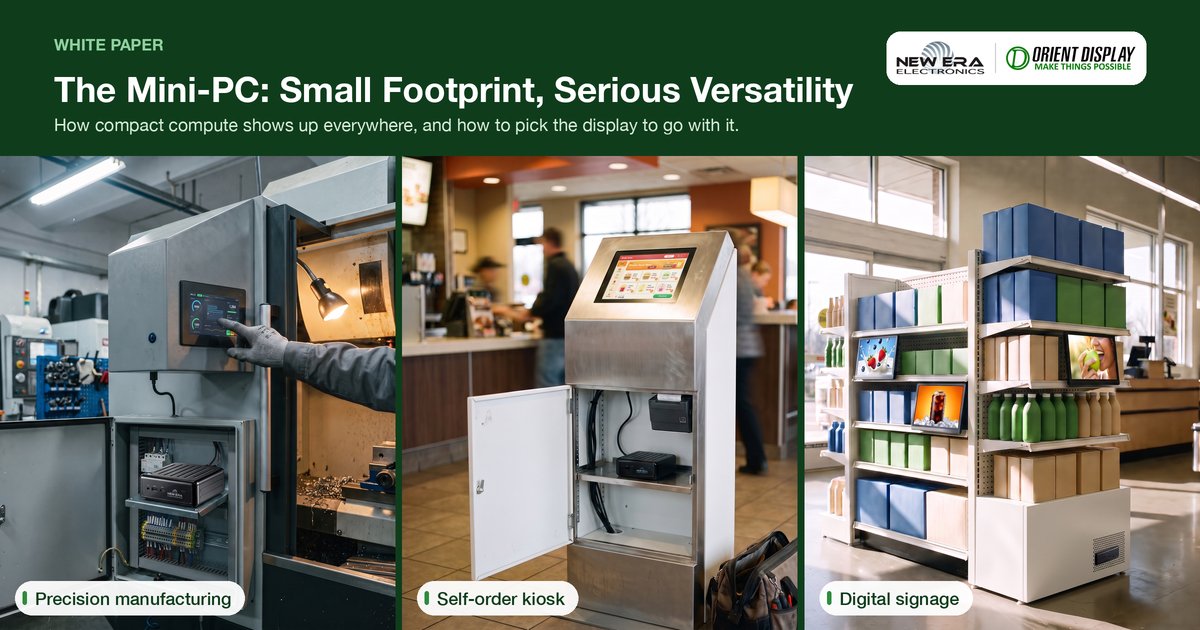
A joint publication from New Era Electronics and Orient Display.
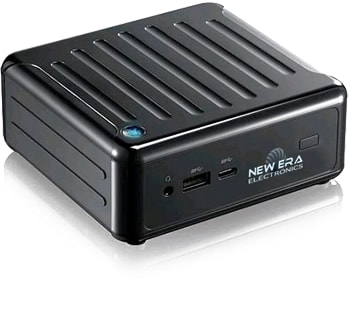
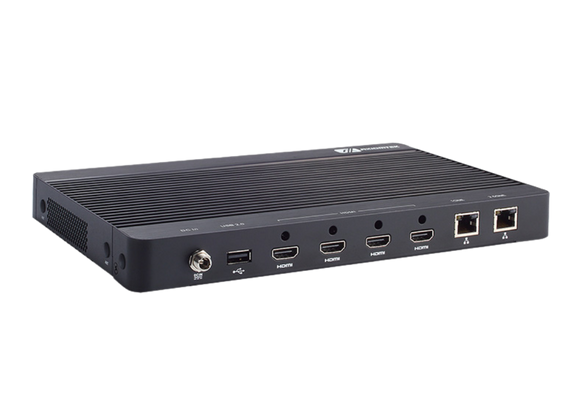
The mini-PC has quietly become one of the most versatile categories in computing. It packs the processing power of a full desktop into a fraction of the footprint, often small enough to fit in the palm of a hand, without giving up the expandability, I/O flexibility, or serviceability that made desktop PCs useful in the first place.
What started as a fix for cramped home offices is now a standard building block for OEMs. Mini-PCs sit behind digital signage, self-service kiosks, industrial control panels, and conference room systems in nearly every industry. The question for most businesses is no longer whether a mini-PC can do the job. It is which configuration, and which display, fits the deployment.
That second half of the question is why New Era Electronics, an embedded computing company in Vaughan, Ontario, and Orient Display are working together: New Era supplies the compute platform, and Orient Display supplies the display matched to it.
Key takeaways
- A mini-PC matches full desktop processing power to a footprint small enough to mount behind a display or hide in a cabinet.
- OEMs deploy mini-PCs behind digital signage, kiosks, industrial HMIs, conference systems, and guest-facing entertainment.
- Fanless, low-power designs cut energy draw and remove a common point of mechanical failure.
- The display matters as much as the compute platform. Viewing distance, ambient light, and touch requirements all drive the right panel choice.
- Orient Display panels from a 4.3″ touch HMI to a 21.5″ boardroom display can be paired with New Era Electronics mini-PC platforms.
Advantages of a Mini-PC
Compared with a standard desktop, notebook, or tablet, a mini-PC offers four distinct advantages:
- Size. Depending on the model, a mini-PC can be as small as a paperback novel or smaller. It can be mounted behind a display, tucked into a cabinet, or hidden entirely, freeing space a desktop tower cannot.
- Versatility. A mini-PC can carry the same processing power as a standard desktop, with RAM and storage that are easy to reconfigure. It connects to almost any display: a standard monitor, an open-frame panel, or a purpose-built industrial screen.
- Cost. Mini-PCs are generally cheaper to buy and to run than full-size desktop systems, particularly at fleet scale.
- Energy consumption. Modern mini-PC platforms use efficient, low-power processors, which reduce both energy draw and heat output. The advantage compounds in fanless, sealed enclosures.
Where Mini-PCs Are Deployed
Mini-PCs have found a home well beyond the desktop, particularly in OEM and business deployments where space, power, and reliability all matter:
- Work and business. Training rooms, boardrooms, and open-plan offices benefit from a compact unit with far more processing capability than a tablet, connected easily to the main network.
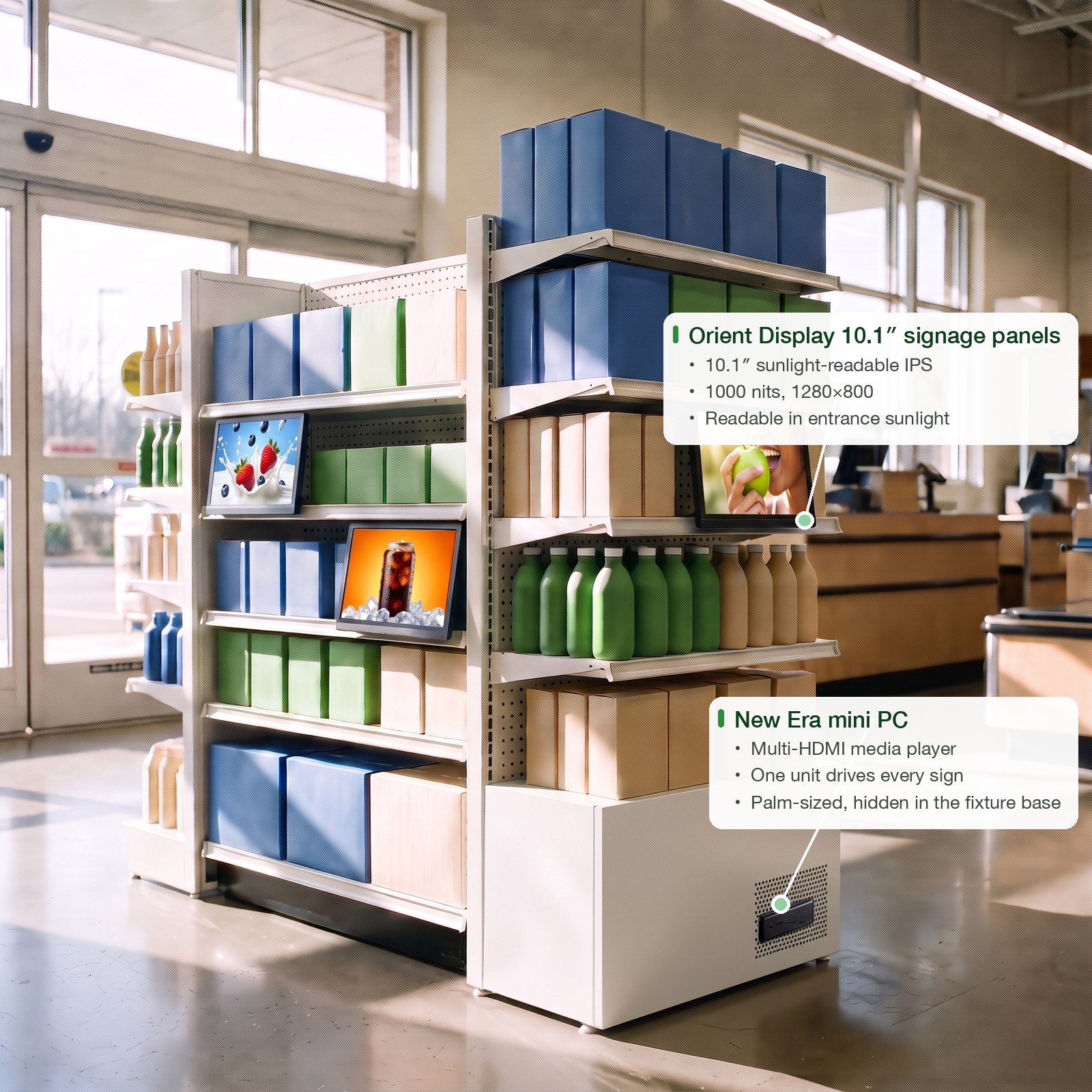
- Digital signage and advertising. A small, powerful unit behind the panel can drive complex animation and video for retail, wayfinding, and out-of-home advertising without an unsightly footprint.
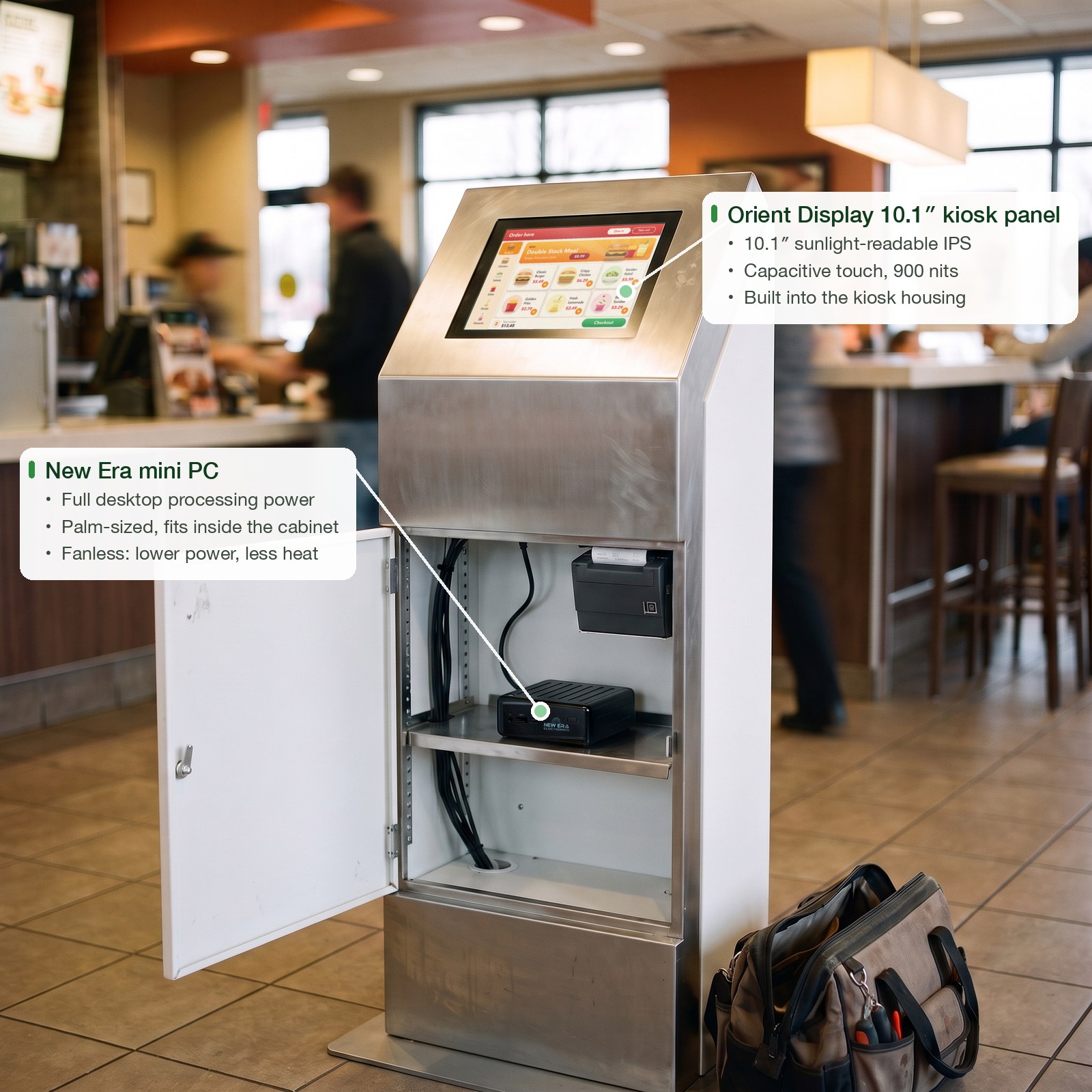
- Kiosk and self-service. Ticketing, check-in, and point-of-sale kiosks depend on a compact, reliable compute platform that can run unattended for years behind a touch display.
- Video conferencing and collaboration. A mini-PC with the right video and audio I/O drives a clean, dependable conferencing setup without a bulky tower under the table.
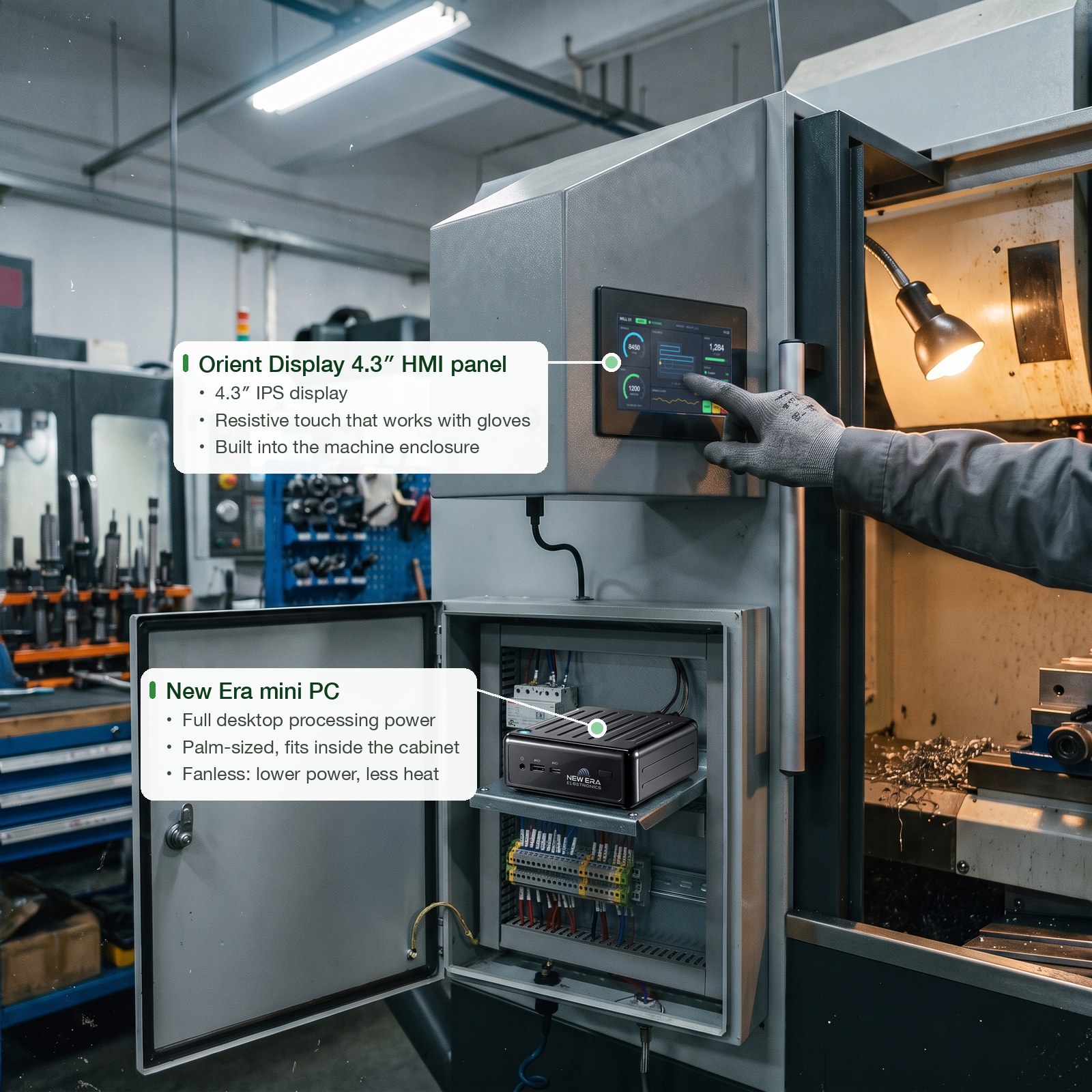
- Industrial control and HMI. Where panel space is at a premium, such as machine enclosures, control cabinets, and equipment carts, a mini-PC delivers full HMI functionality in a footprint that fits.
- Media and guest-facing entertainment. With the right graphics and audio configuration, a mini-PC handles full HD, and increasingly 4K, playback for lobbies, waiting rooms, and hospitality settings.
Three of these deployments show the pairing in practice. Each maps to a row of the display table below, and in each the mini-PC sits inside the equipment it drives, out of sight:
Matching the Display to the Mini-PC
A mini-PC is only half the deployment. The display it drives has to suit the same environment: viewing distance, ambient light, touch requirements, and duty cycle all shape which panel is the right fit. New Era Electronics and Orient Display pair mini-PC platforms with an Orient Display panel sized and specified for the deployment, so the match is not left to guesswork.
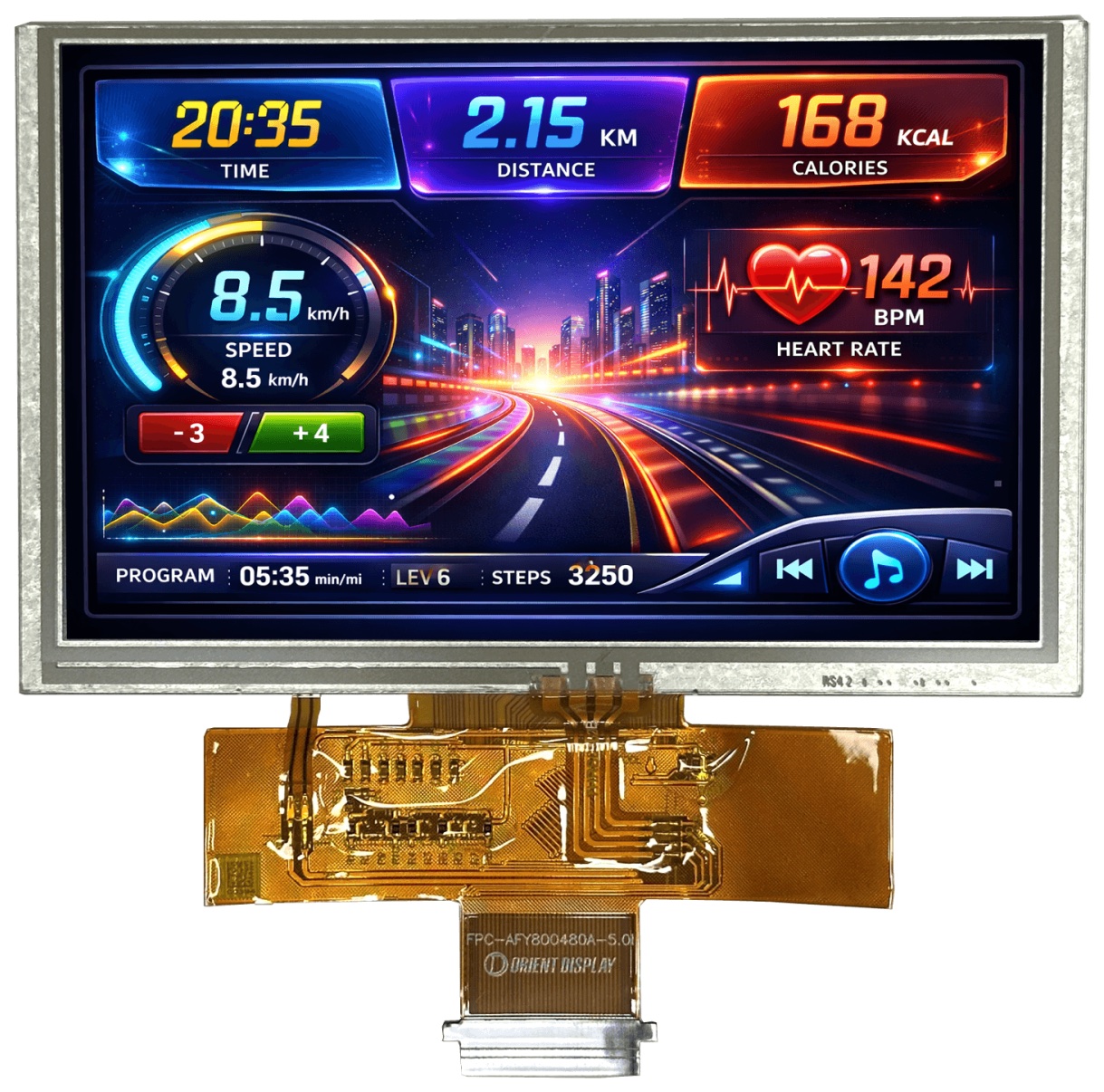
The table below maps each mini-PC use case to the Orient Display panel class suited to it:
| Mini-PC use case | Recommended Orient Display panel | Size / brightness | Why it fits |
|---|---|---|---|
| Work, training & boardroom | 15.6″–21.5″ Medium-Brightness IPS (available on request) | 300–500 nits, wide viewing angle | Sized for shared-room visibility with accurate color for presentations. Sunlight-readable brightness is not needed indoors. |
| Digital signage & advertising | 10.1″ Sunlight-Readable IPS, AFY1280800A0-10.1INTH | 1000 nits, 1280×800 | Holds up against window glare and storefront lighting, so content stays visible all day. |
| Kiosk & self-service / POS | 10.1″ Sunlight-Readable IPS with touch: AFY1280800A1-10.1INTH-C (capacitive) or AFY1280800A0-10.1INTH-R (resistive) | 900 nits capacitive, 800 nits resistive; 1280×800 | Bright enough for a retail floor and durable enough for constant public touch input. |
| Industrial control & HMI | 4.3″ Sunlight-Readable IPS with touch: AFY480272A0-4.3INTH-C (capacitive) or AFY480272A0-4.3INTH-R (resistive) | 900 nits capacitive, 800 nits resistive; 480×272 | The compact footprint matches the mini-PC form factor. The resistive option supports gloved operation on the floor. |
| Video conferencing & collaboration | 15.6″–21.5″ Medium-Brightness IPS (available on request) | 300–500 nits, wide viewing angle | Consistent color and viewing angle across a meeting room, with no brightness premium indoors. |
| Guest-facing media & entertainment | 10.1″–15″ Medium-Brightness IPS | 300–500 nits | Cost-optimized for lobbies, waiting rooms, and hospitality settings that do not face direct sunlight. |
For deployments that fall between these categories, or that need a size, brightness, or touch configuration not listed above, Orient Display develops custom TFT displays from 0.96″ to 32″ and OLED displays from 0.66″ to 8″, which can be paired with New Era Electronics mini-PC and embedded compute platforms. For help choosing a touch technology, see Resistive vs. Capacitive Touch.
Small Box, Wide Reach
The mini-PC’s appeal was never just its size. A small footprint no longer means a compromise on capability. Paired with the right display, a mini-PC becomes the compute engine behind a boardroom system, a storefront sign, a self-service kiosk, or a factory-floor HMI, without the bulk that once made those deployments harder to plan.
Frequently Asked Questions
What is a mini-PC used for in business and OEM applications?
Mini-PCs power digital signage, self-service kiosks, industrial HMIs, conference room systems, and guest-facing entertainment displays: anywhere a full desktop’s processing power is needed without the space, noise, or cost of a full-size tower.
How is a mini-PC different from a regular desktop computer?
A mini-PC delivers comparable processing power in a fraction of the footprint, often small enough to mount behind a display or hide in a cabinet. It typically runs cooler, quieter, and more efficiently, thanks to low-power processors and fanless enclosure options.
What display size works best with a mini-PC?
It depends on the deployment. Compact 4.3″ touch panels suit industrial HMI applications, 10.1″ sunlight-readable panels suit signage and kiosks, and 15.6″–21.5″ panels suit boardrooms and conference rooms. Match the display to the viewing distance, ambient light, and touch requirements of the specific use case.
Can a mini-PC drive a touchscreen display?
Yes. Mini-PCs commonly drive touch displays for kiosk, point-of-sale, and industrial HMI applications. Capacitive touch suits public-facing kiosks and clean environments. Resistive touch suits industrial settings where gloved operation is common.